How to Invite a Member to Your Business on Ostana
Last updated: June 11, 2025
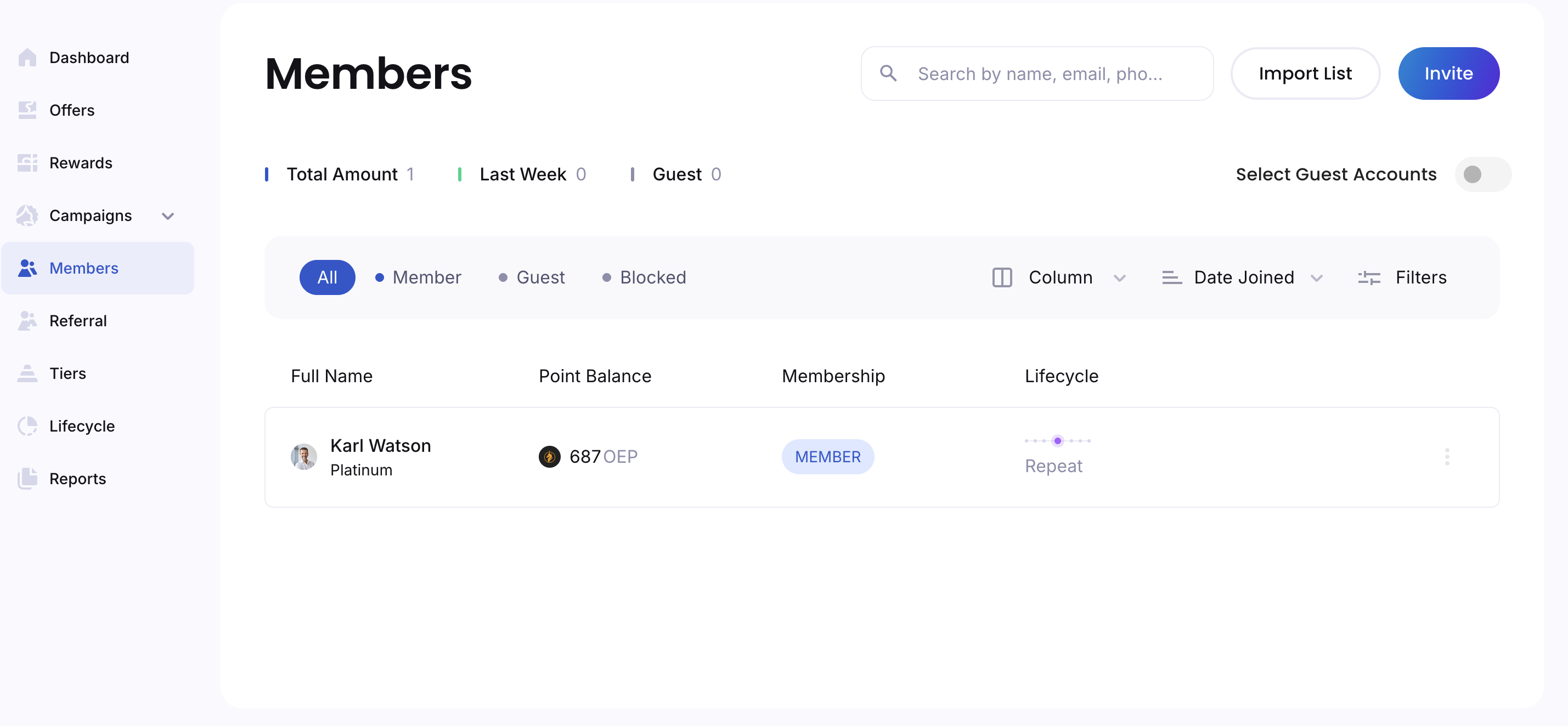
Ostana makes it easy for businesses to grow their loyal customer base. One key way to engage new members is by inviting them directly to join your loyalty program via phone or email.
Here’s how to do it in a few simple steps:
✅ Step-by-Step: Inviting a Member
Go to the Members Tab
From your Ostana business dashboard, click the “Members” section in the left-hand navigation panel.Click “Invite”
You’ll see an option to “Invite Member” – click on it to open the invitation form.Choose the Method of Invitation
📱 Phone Number: Enter the customer’s mobile number.
📧 Email: Click the “Email” tab and enter their email address.
Enter Member Details
First Name
Last Name
Send the Invitation
Click the “Invite Member” button to send the invitation instantly.✅ Confirmation
You’ll see a message: “Invitation Sent!” – your customer will now receive a prompt to join your loyalty program.
💡 Tips for Successful Invites
Double-check contact info: Make sure the phone number or email is accurate.
Add an incentive to the invite: Add a short message or incentive via a Welcome offer (e.g., “Join and get 50 points!”).
Train your staff: Ensure your front-line team knows how to use the invite feature during checkout.
🧠 Why Use Member Invites?
Inviting members directly helps you:
Quickly grow your loyalty member base.
Create a seamless in-store or digital sign-up flow.
Start tracking engagement and awarding points from day one.
🛠 Troubleshooting
Not seeing the invitation button?
Make sure you have the appropriate permissions or contact your admin.
Customer didn’t receive the invite?
Ask them to check their spam folder or confirm their contact info was entered correctly.
🔄 What Happens After They Accept?
Once a customer accepts your invite:
They’re added to your Member List.
They receive a digital loyalty invite (if applicable).
You can now send them offers, rewards, and track visits.