Connecting Integrations (Apps) in Ostana
Last updated: June 11, 2025
Overview
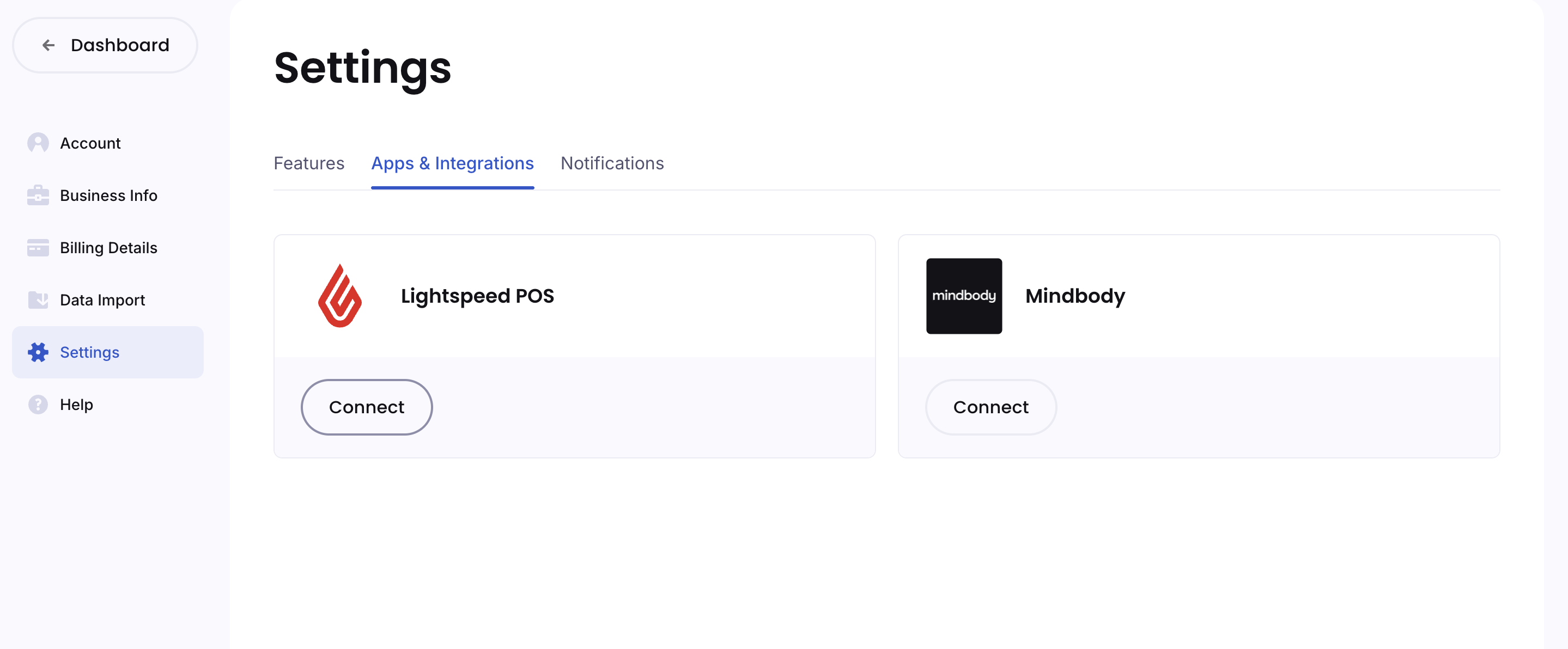
Ostana supports integrations with third-party platforms like Lightspeed POS and Mindbody to automate member syncing and engagement.
How to Connect an App:
Go to
Settings → Apps & IntegrationsClick Connect under the app you want to integrate
Example: Lightspeed POS, Mindbody
Follow the on-screen authentication steps to complete the connection
Why Connect?
Automatically sync customer data into Ostana
Trigger loyalty points from POS purchases
Enable real-time reporting and marketing workflows
📌 Note: More integrations are coming soon. Stay tuned for Shopify, Square, and Fresha.