How to Create an Offer on Ostana
Last updated: June 11, 2025
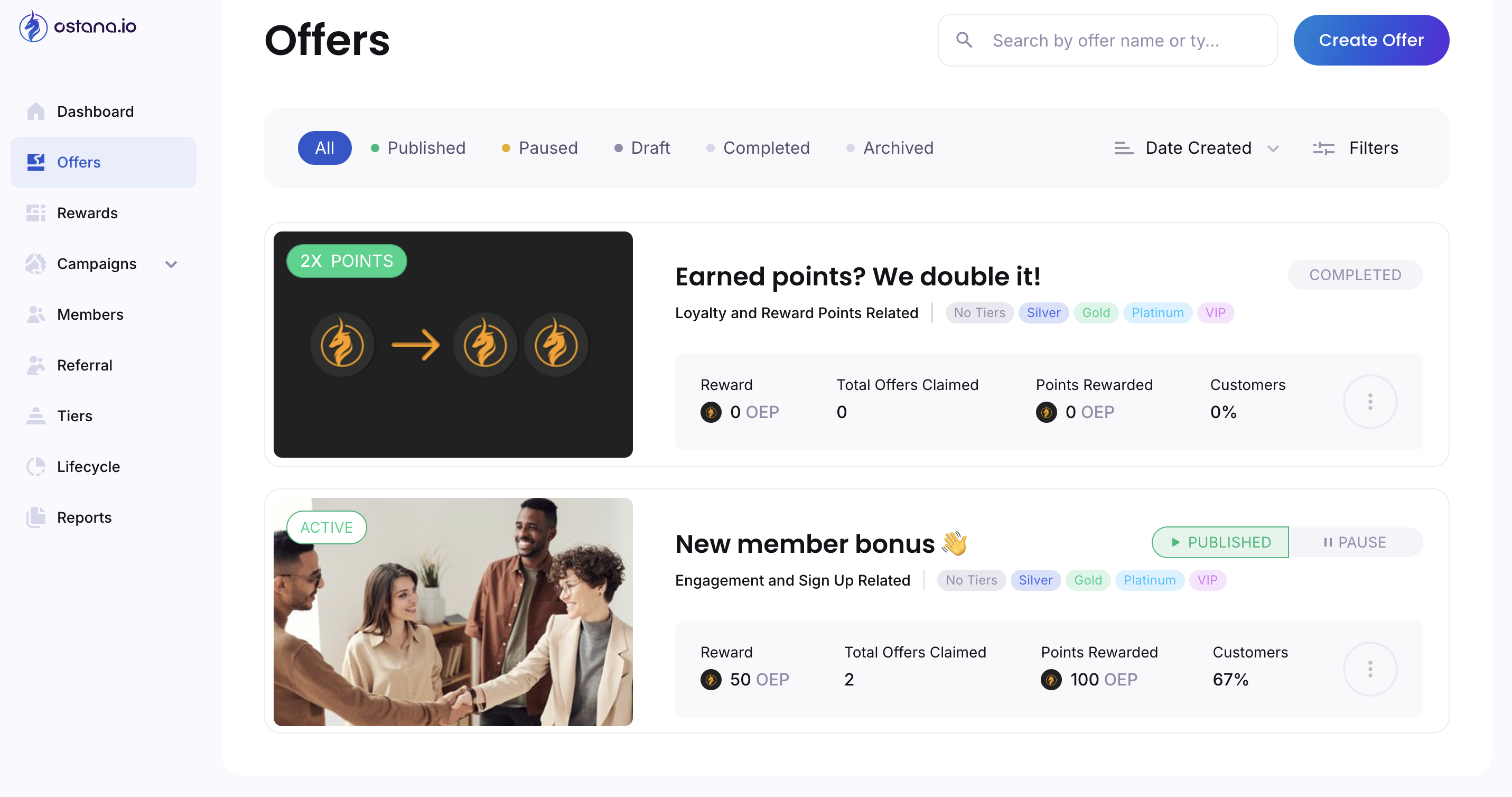
Offers are a powerful way to boost customer engagement and reward loyalty behaviors. You can create offers that are automatically triggered by customer actions — such as visits, purchases, birthdays, or milestones.
Use this guide to create and publish your first offer.
✅ Step-by-Step: Creating an Offer
🔹 Step 1: Start a New Offer
Navigate to “Offers”
From the dashboard, click on the “Offers” tab.Click “Create Offer”
Click “New Offer”
This begins the setup wizard.Select Group & Offer Type
Choose the customer group or tier (e.g., All Customers, VIPs) and the offer type (e.g., visit-based, birthday-based).Choose the Trigger
Select the event that will trigger this offer (e.g., 5 visits in a month, birthday, first purchase).Click “Next.”
🔹 Step 2: Define Offer Details
Enter Offer Title
Example: “500 Points for Your 5th Visit!”Write a Description
Explain the offer clearly to your customers.Add Terms & Conditions (Optional)
Include expiry rules, exclusions, or how the offer works.Add an Image
Click “Collection of Covers”
Choose or upload a relevant image
Click “Next.”
🔹 Step 3: Configure Availability
Select Audience
Define who this offer applies to (e.g., specific customer segment or all members).Set Offer Expiry Options
Toggle Open-Ended ON if the offer doesn't expire
Otherwise, specify a Start Date and, optionally, an end date
Click “Next.”
🔹 Step 4: Define the Reward
Set the Points to Award
Choose how many points the customer receives when the offer is triggered (e.g., 500, 1000).Click “Go to Summary.”
🔹 Step 5: Review and Publish
Review All Offer Details
Double-check everything — title, audience, trigger, reward, etc.Click “Create & Publish.”
Click “Go to Offer” to view and verify it’s live.
🎉 Your offer is now active!
💡 Popular Offer Ideas
Offer Name | Trigger | Reward |
Welcome Bonus | Signup | 250 points |
5th Visit Reward | 5 Visits in a Month | 500 points |
Birthday Bonus | Birthday Month | 750 points |
Midweek Multiplier | Visit on Mon/Tue | 2x points |
🛠 Tips for Effective Offers
Make it achievable: Set triggers that feel within reach (e.g., 3 visits in 14 days).
Use visuals: Eye-catching images increase click-throughs.
Experiment: Try different offer types and monitor engagement.
🔍 Troubleshooting
Offer not triggering?
Check the trigger logic (e.g., was the visit count met?)
Make sure the offer is published and active
Verify the member is in the correct audience group
Need to edit an offer?
Go to the Offers tab, select your offer, and click Edit.