How to Set Up an Email Campaign in Ostana
Last updated: June 12, 2025
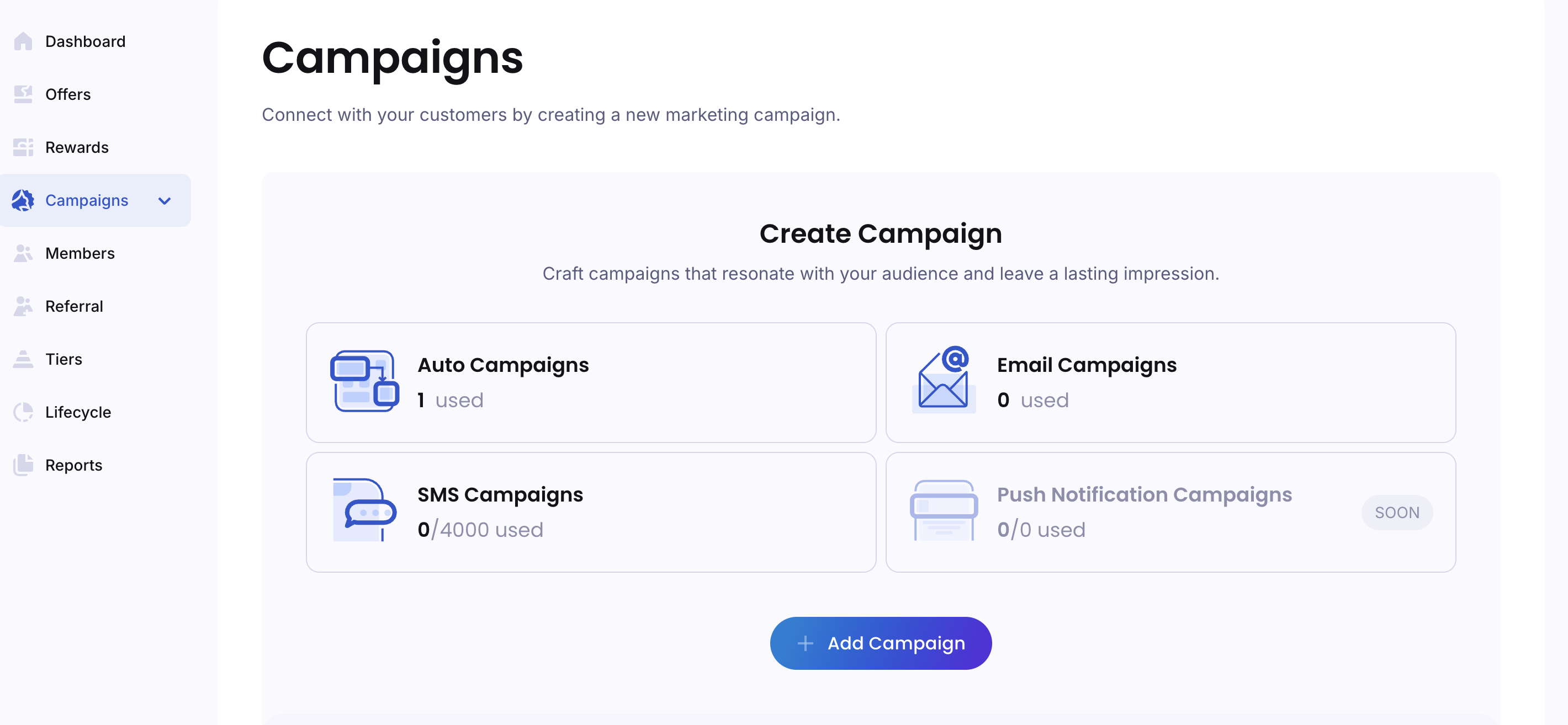
Email campaigns are one of the most effective tools for re-engaging your members, announcing rewards, promoting offers, and driving repeat visits. With Ostana’s built-in email campaign builder, you can create beautiful, targeted emails in just minutes.
✅ Step-by-Step: Creating an Email Campaign
🔹 Step 1: Access the Campaign Builder
Log into your Ostana Dashboard
Navigate to https://portal.ostana.io and go to the Campaigns section.Click “Create Campaign”
Select Email as the campaign type.
🔹 Step 2: Define the Campaign Details
Enter Campaign Name
Give your campaign a clear internal name (e.g., “June Loyalty Boost” or “Birthday Email Blast”).Set the Email Subject Line
This is what your members will see first. Keep it compelling and relevant.✉ Example: "You've earned a surprise!"
Use dynamic fields like
{{first_name}}to personalize.
Add a Preview Text (Optional)
A short line that appears next to your subject in the inbox.Example: “Use your points before they expire – your next reward is waiting!”
🔹 Step 3: Design the Email
Choose an Email Template
Use a pre-built template or start from scratch. Drag-and-drop sections include:Text blocks
Images or logos
Buttons with custom links
Rewards/Offer blocks (auto-filled from Ostana)
Customize Content
Add messaging, images, offers, and brand visuals.Personalize using fields like:
{{first_name}}{{points_balance}}{{tier_name}}
Add Call-to-Action
Drive engagement with buttons like:“Redeem Your Reward”
“Visit Us Today”
“Claim Your Bonus”
🔹 Step 4: Choose Audience
Target the Right Members
Choose from:All members
Specific tiers (e.g., Gold, Silver)
🔹 Step 5: Schedule or Send
Select Send Time
Send Now: Launch immediately
Schedule Later: Choose a date and time for optimal delivery (e.g., weekdays at 10 AM)
Review and Test
Use Preview to see how the email looks on desktop and mobile
Send a test email to yourself or your team
Click “Send Campaign”
Or schedule it and Ostana will handle the rest!
🎉 Your email campaign is now live!
🧠 Tips for Effective Email Campaigns
💬 Keep it clear and concise
Emails with 100–150 words tend to perform best.🖼 Use high-quality visuals
Use your logo and branded colors for a consistent look.🎯 One goal per email
Focus each campaign on one action — redeem, visit, refer, etc.📅 Send 1–2x per month
Keep frequency manageable to avoid fatigue or unsubscribes.
🔍 FAQs
Q: Can I include reward links or QR codes?
Yes — you can add links to reward redemption pages or embed scannable QR codes.
Q: Can I resend the email to people who didn’t open it?
Currently, that’s not automated — but you can export non-openers and re-import them as a segment.
Q: What’s the best time to send?
Weekday mornings (9–11 AM) or early evenings (5–7 PM) tend to get the best engagement.
📊 Post-Campaign Analytics
After sending, track performance under Campaigns → Email → [Your Campaign Name]:
Open rate
Click-through rate
Conversions (e.g., redemptions, visits)
Unsubscribes